

AutoCAD Tips
Fake Dimensions in AutoCAD? (Correct all Dimension text at Once!)
Find and fix fake dimensions in AutoCAD where the text override differs from the real measurement. Reset them all at once with DIMREASSOC.
AutoCAD Tips
From CAPITAL to small Letters with 2 clicks in AutoCAD!
Switch AutoCAD text between capital and small letters in 2 clicks, with no need to retype notes copied between AutoCAD and Word.
AutoCAD Tips
FATAL ERROR in AutoCAD!? How to Restore Drawing Data?
Recover your work after an AutoCAD fatal error using BAK backups, AutoSAVE files, temporary AC$ files and the Drawing Recovery Manager.
AutoCAD Guides
Learn How to properly Send AutoCAD Drawings!
Send AutoCAD drawings with every xref, font, image and CTB file included using eTransmit, so clients never open a drawing with missing links.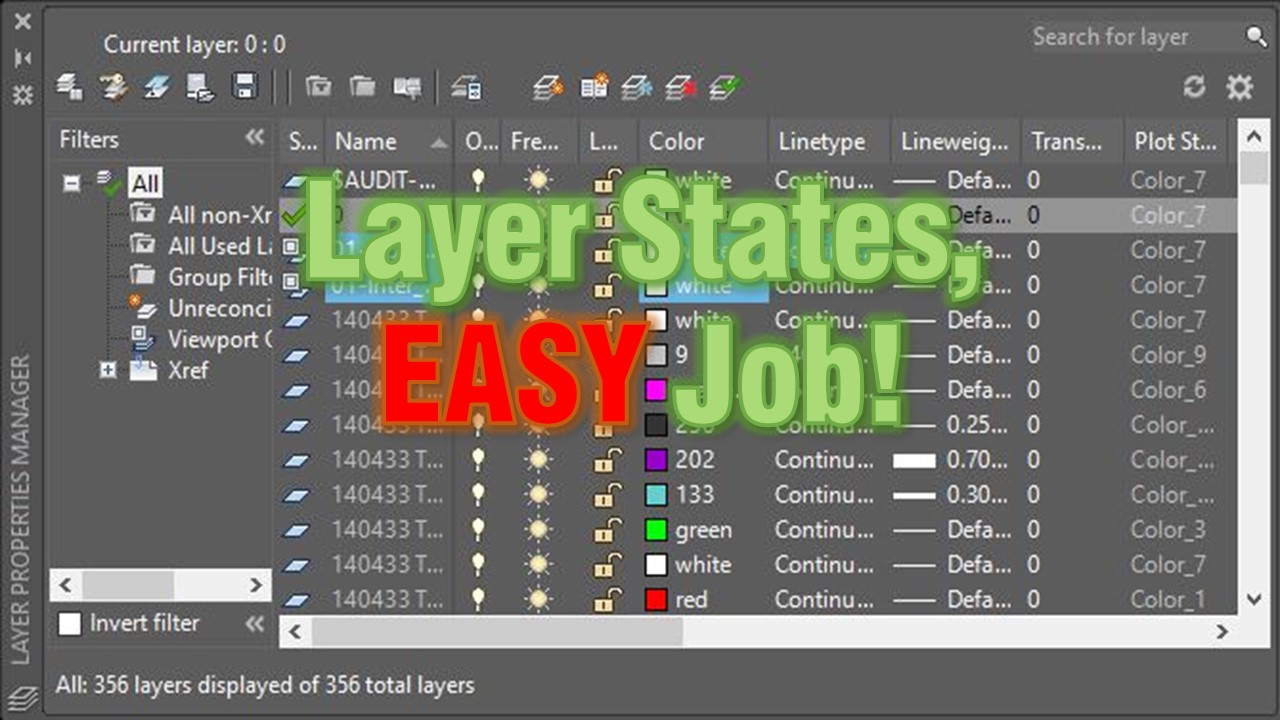
AutoCAD Tips
How to Copy Layer Settings to Another Drawing (Copy Layer Properties)
Copy layer settings to another AutoCAD drawing or viewport with Layer States. Save, export and import a .las file, shown with a grading plan example. AutoCAD Tips
Layer States, EASY Job! What is Layer States and how to use them?
AutoCAD Layer States save your layer settings so you can restore them anytime. See how to reuse a grading plan view in an xref drawing.
AutoCAD Tips
How to Turn off Annotation scale Preview
Turn off the annotation scale preview that appears when you select annotative objects in AutoCAD by setting SELECTIONANNODISPLAY to 0.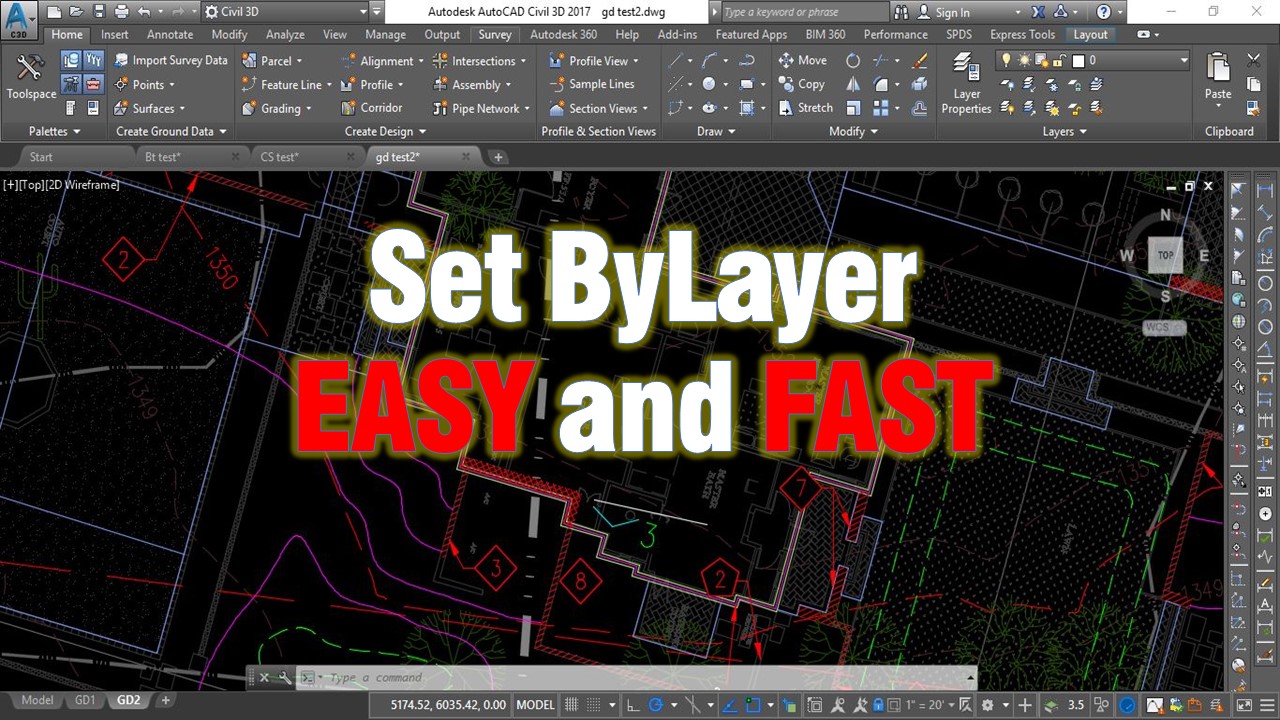
AutoCAD Tips
Change multiple objects to ByLayer Effortlessly!
Use the AutoCAD SETBYLAYER command to reset color, linetype, lineweight, material and transparency of selected objects to ByLayer in one step.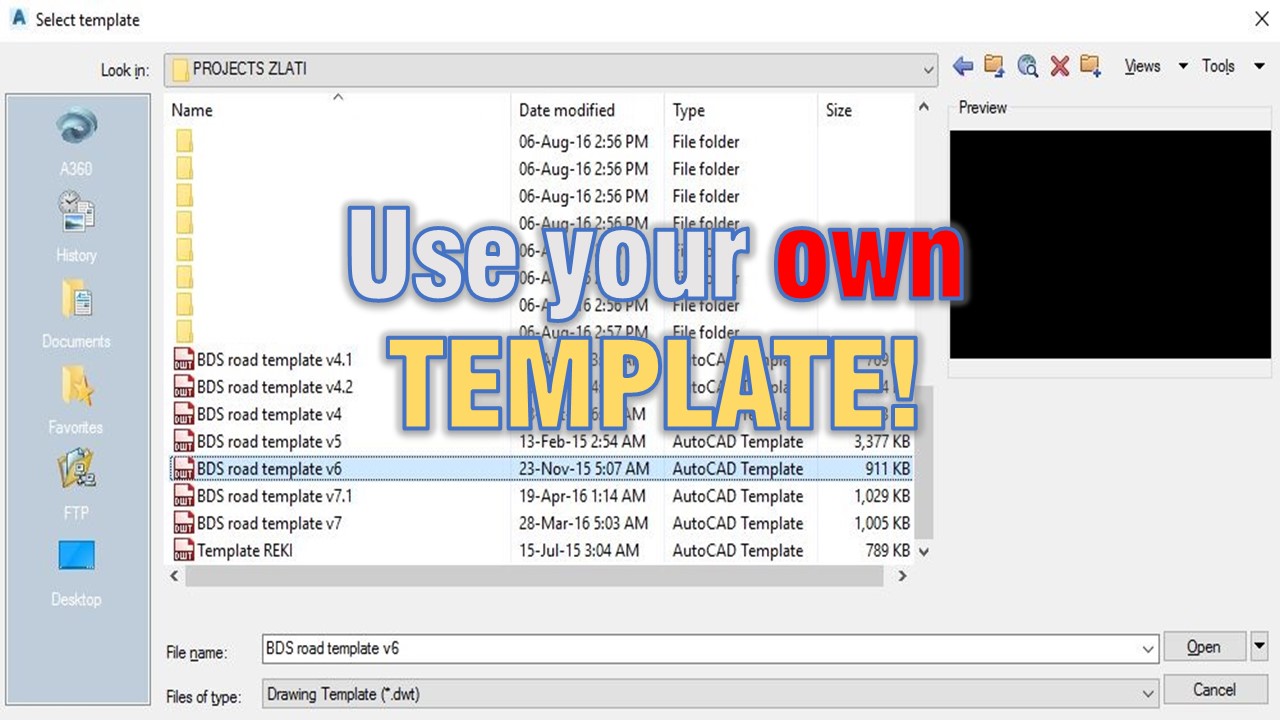
AutoCAD Tips
Use your own TEMPLATE! (Create your own CAD standards!)
Why every drafter should start from their own AutoCAD template with proper layers and Civil 3D styles, and how it builds consistent CAD standards.
AutoCAD Tips
Create Custom Keyboard Shortcuts in AutoCAD!
Create or edit your own AutoCAD keyboard shortcuts with the ALIASEDIT command instead of editing the acad.pgp file by hand, then reinitialize it.
AutoCAD Tips
How to Trim and Extend with Only One Command?
Trim and extend in AutoCAD with a single command. Hold the Shift key while running TRIM or EXTEND to switch to the other and work much faster.
AutoCAD Tips