
Blog
AutoCAD and Civil 3D tips, guides and tutorials. 228 posts.
AutoCAD Tips
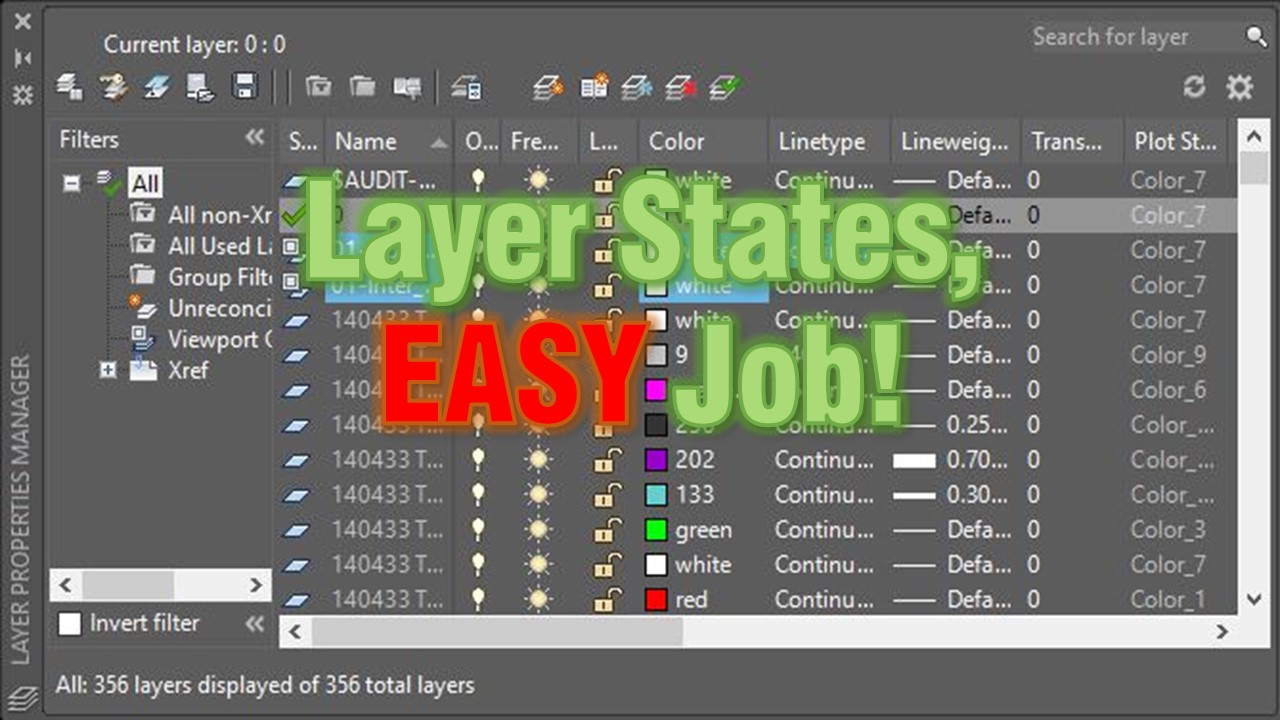
Layer States, EASY Job! What is Layer States and how to use them?
AutoCAD Layer States save your layer settings so you can restore them anytime. See how to reuse a grading plan view in an xref drawing.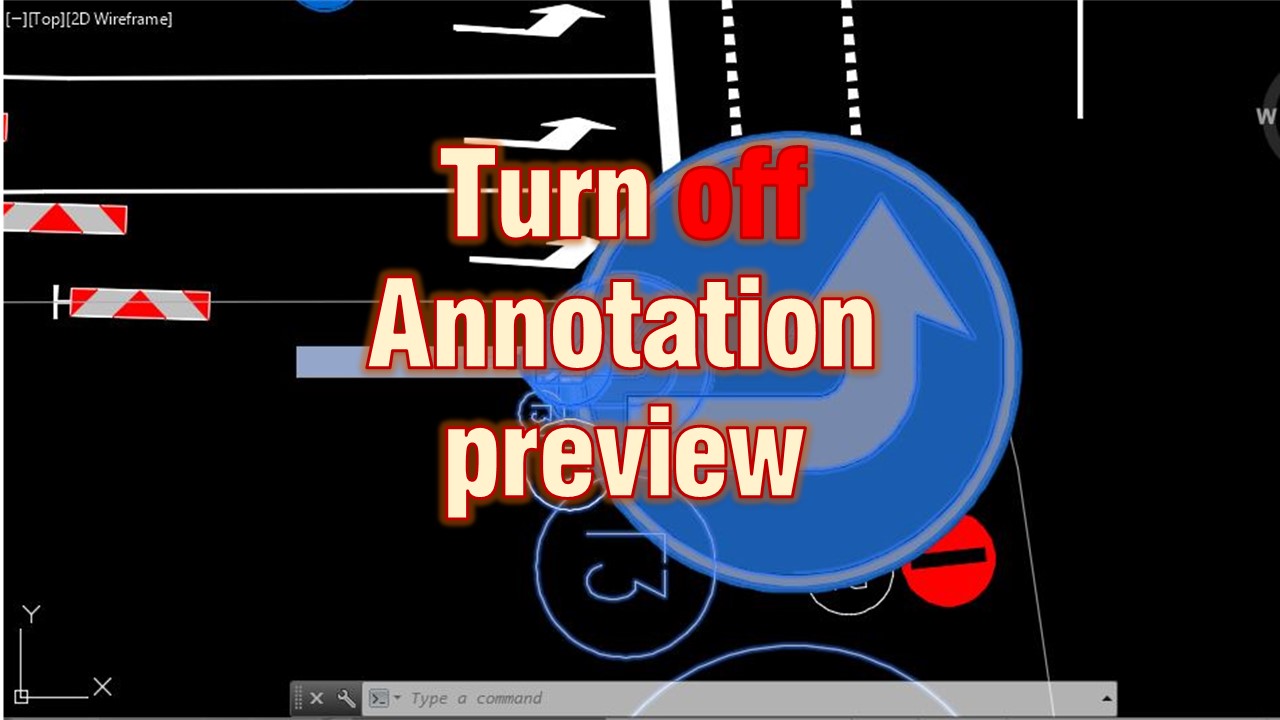
AutoCAD Tips
How to Turn off Annotation scale Preview
Turn off the annotation scale preview that appears when you select annotative objects in AutoCAD by setting SELECTIONANNODISPLAY to 0.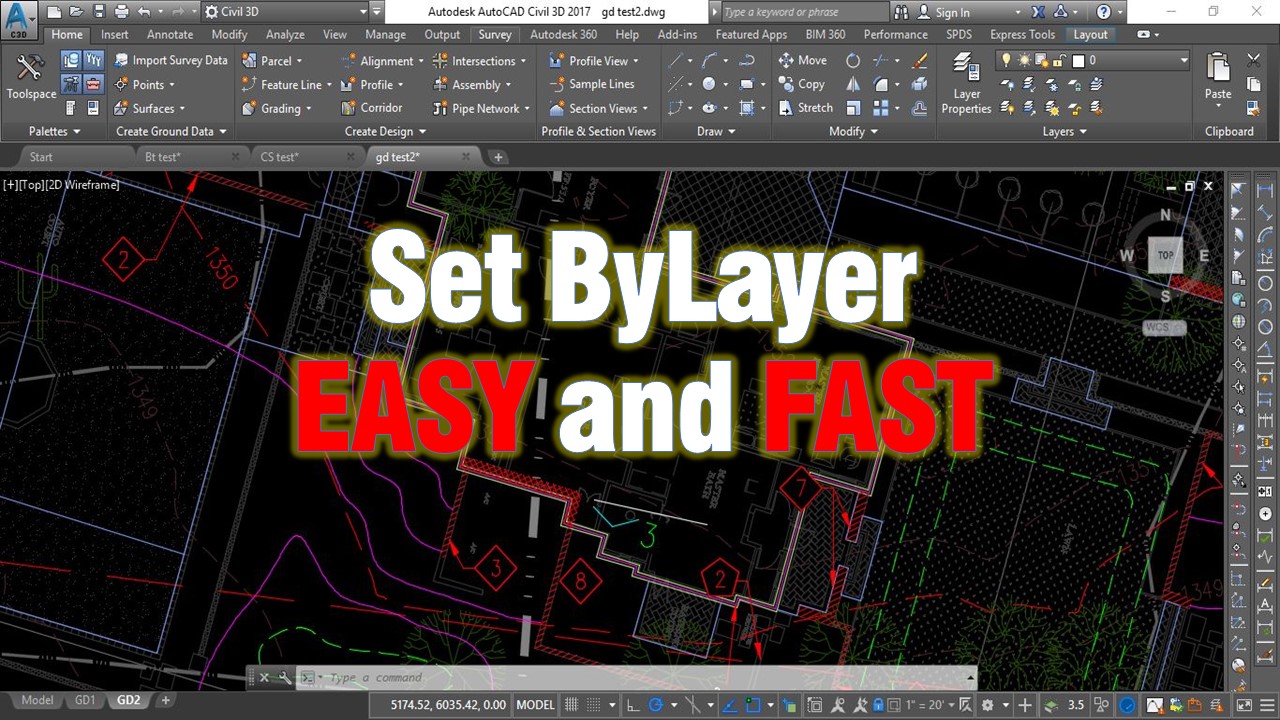
AutoCAD Tips
Change multiple objects to ByLayer Effortlessly!
Use the AutoCAD SETBYLAYER command to reset color, linetype, lineweight, material and transparency of selected objects to ByLayer in one step.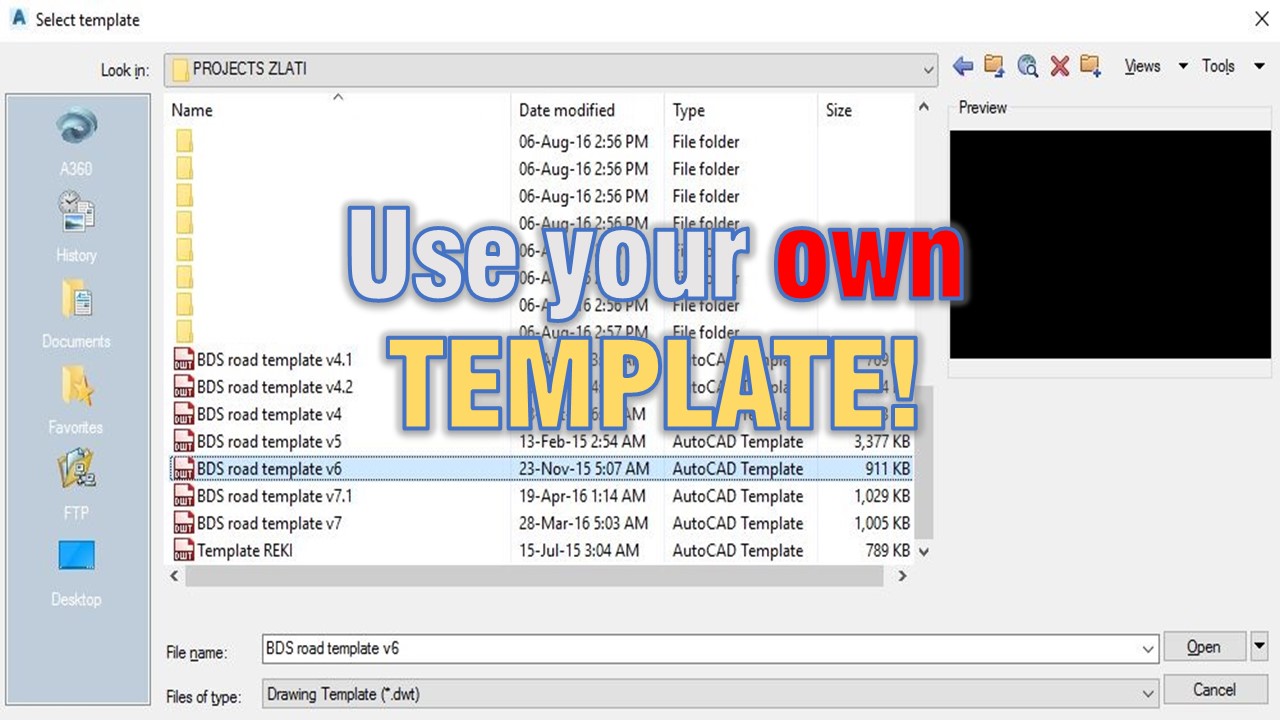
AutoCAD Tips
Use your own TEMPLATE! (Create your own CAD standards!)
Why every drafter should start from their own AutoCAD template with proper layers and Civil 3D styles, and how it builds consistent CAD standards.
Civil 3D Guides
How to Assign Elevations to Feature line from Existing Surface.
Assign elevations to a Civil 3D feature line from an existing surface. Create a feature line, then apply Elevation from Surface in two steps.
AutoCAD Tips
Create Custom Keyboard Shortcuts in AutoCAD!
Create or edit your own AutoCAD keyboard shortcuts with the ALIASEDIT command instead of editing the acad.pgp file by hand, then reinitialize it.
AutoCAD Tips
How to Trim and Extend with Only One Command?
Trim and extend in AutoCAD with a single command. Hold the Shift key while running TRIM or EXTEND to switch to the other and work much faster.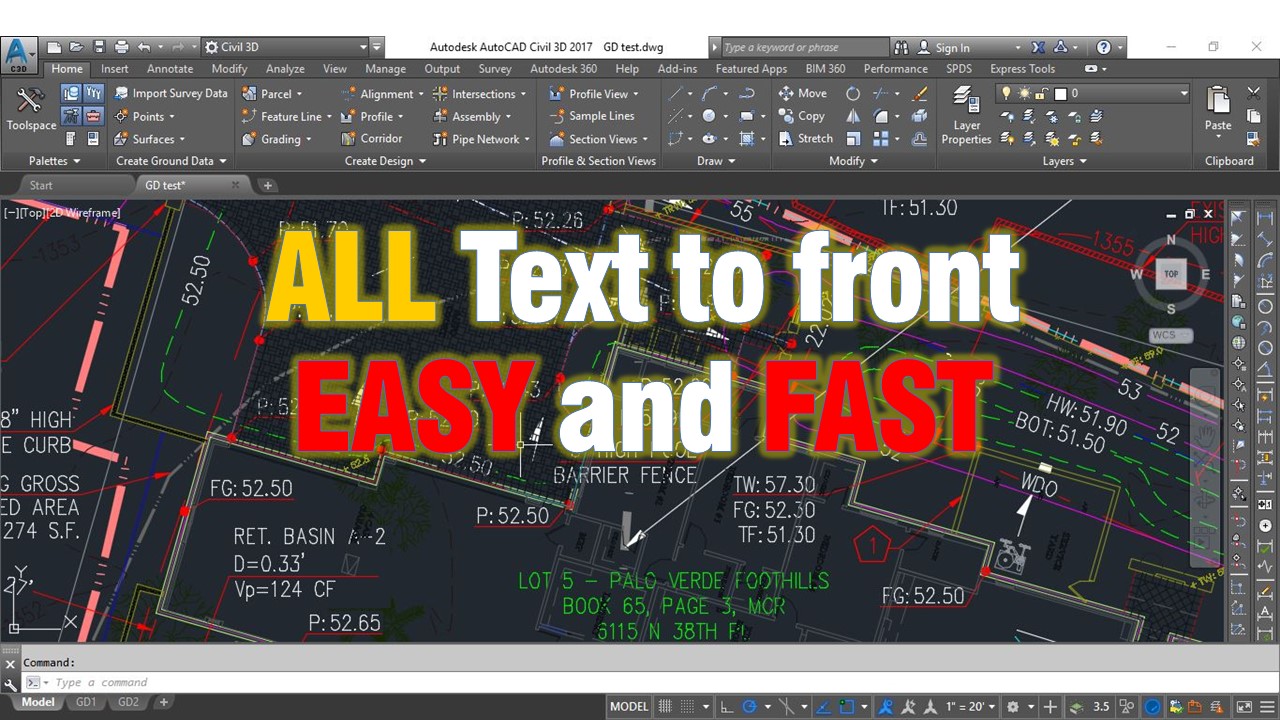
AutoCAD Tips
How to Bring all Text to Front in AutoCAD! (With 1 Command!)
Bring all text to front in AutoCAD with one command, TEXTTOFRONT, so dimensions and text are not covered by lines and hatches.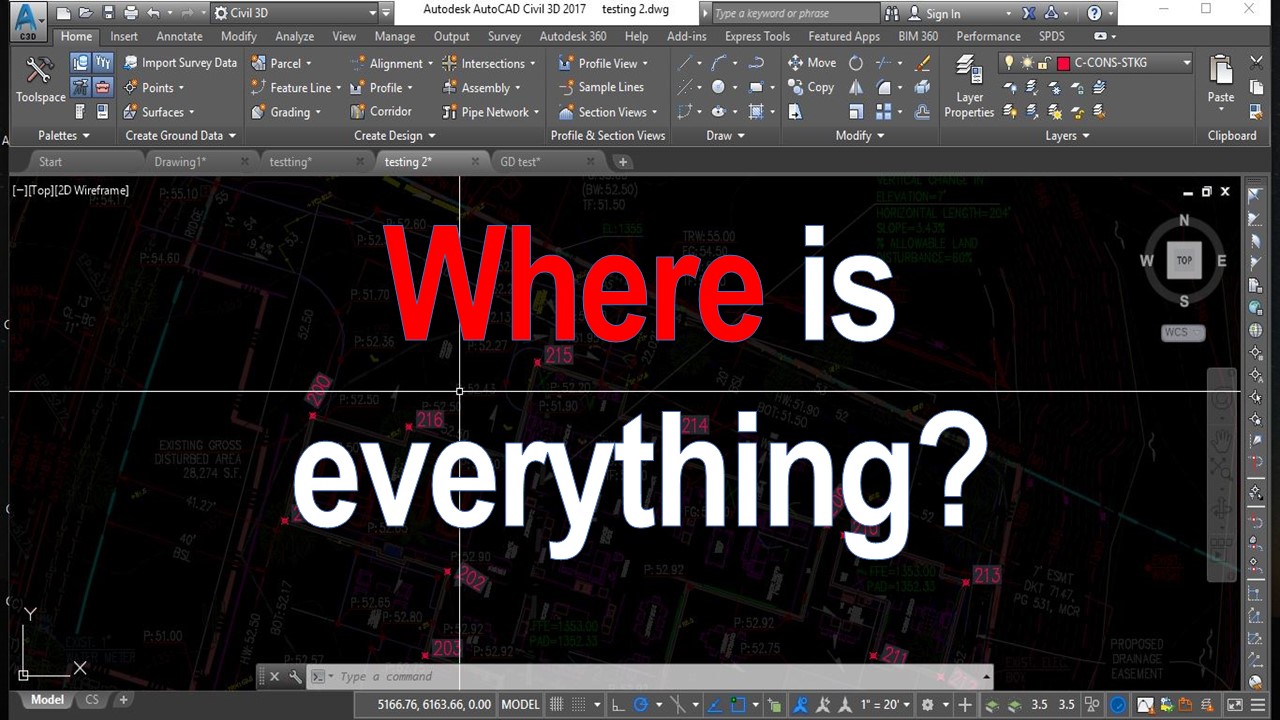
AutoCAD Guides
Lighten up Xrefs in AutoCAD! (Quick Fade Control options!)
Make xrefs easier to see in AutoCAD by adjusting the Fade Control slider under Options and Display, so referenced objects are less faded.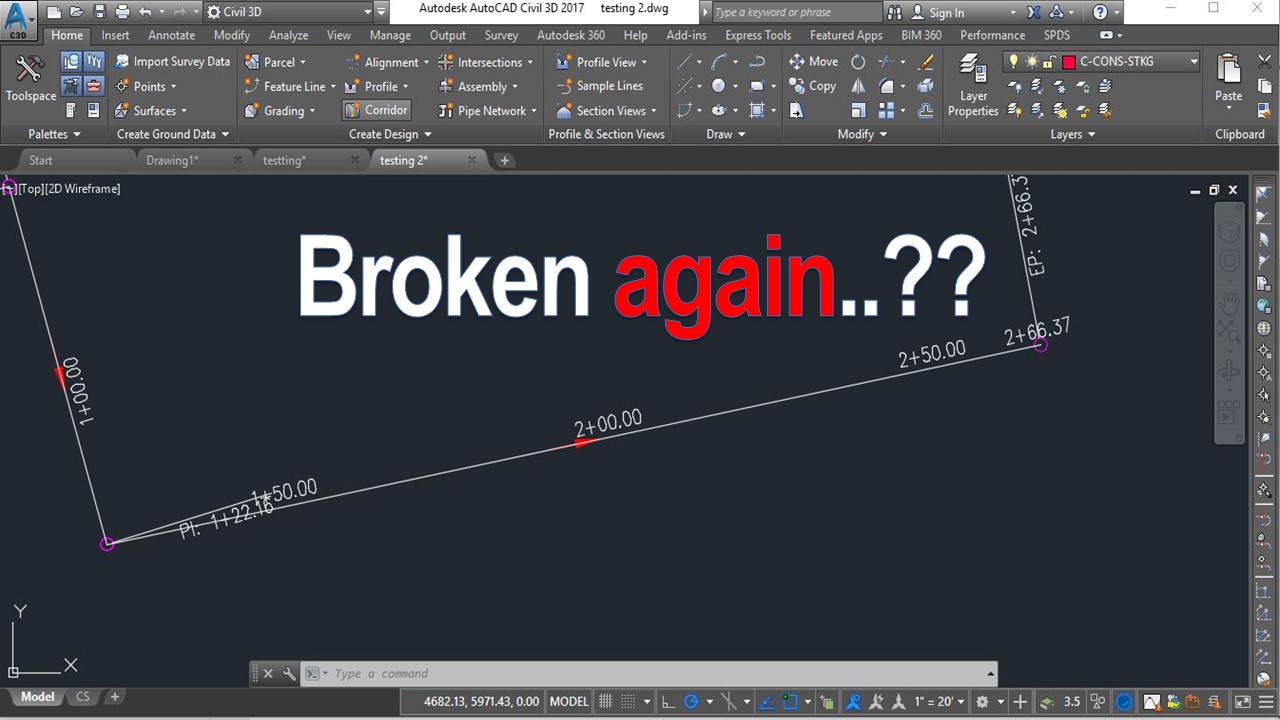
AutoCAD Tips
AutoCAD Selection Method problem? (Select Command First then Objects)
AutoCAD or Civil 3D ignores Delete, double-click or right-click on selected objects? The PICKFIRST system variable is the likely cause and fix.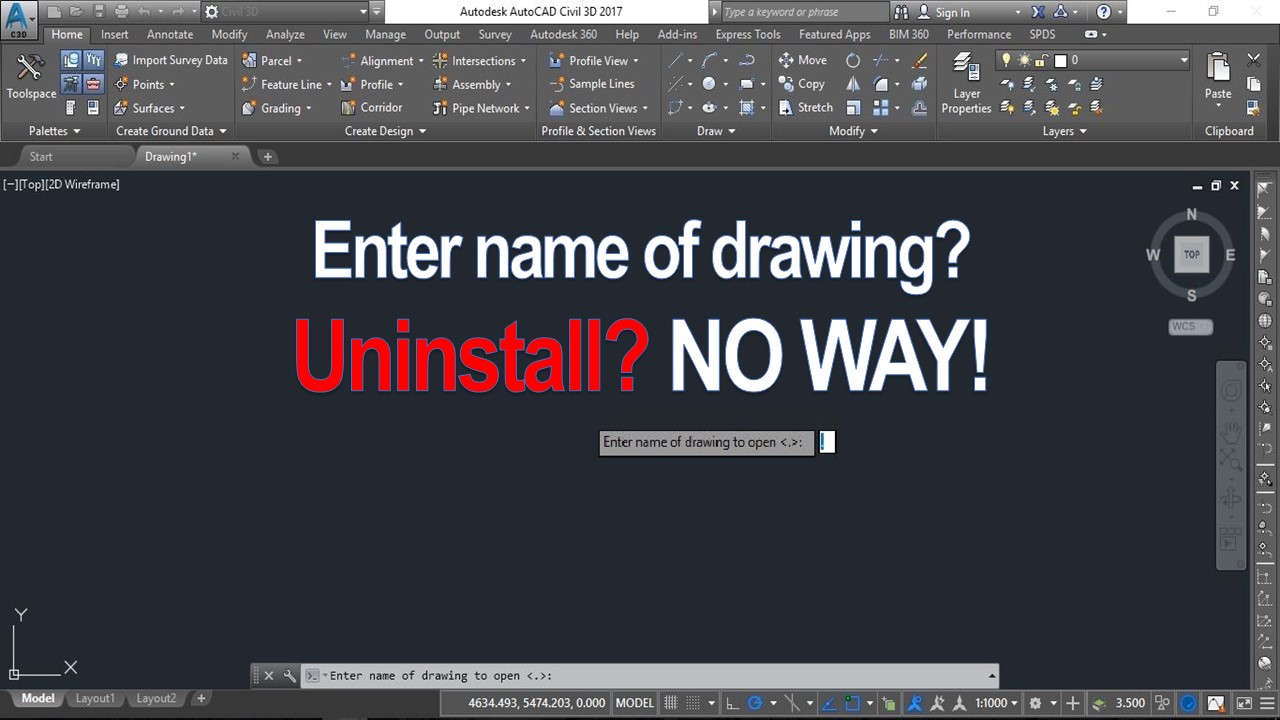
AutoCAD Tips
Enter name of drawing? Uninstall AutoCAD? (Easy Solution!)
AutoCAD asks Enter name of drawing to open? Do not reinstall. The FILEDIA system variable is the cause and the fix takes seconds.
AutoCAD Tips