

Civil 3D Tips
How To Raise or Lower Multiple Feature Lines in Civil 3D
Raise or lower the elevations of several Civil 3D feature lines at once. Select them, choose Raise/Lower and enter a positive or negative value.
AutoCAD Tips
Bring Back Deleted Objects in AutoCAD!
Bring back deleted objects in AutoCAD with the OOPS command. It restores the last erased object without undoing your later work.
Civil 3D Tips
Create Polyline around the Outside of Multiple Objects!
Draw one outer polyline around multiple objects with the LINEWORKSHRINKWRAP command in Civil 3D, handy for total area calculations.
AutoCAD Tips
Auto-Number Multiple Text Objects!
Number hundreds of text and MText objects in AutoCAD with the TCOUNT command, using prefix, suffix or overwrite and a custom start and increment.
AutoCAD Tips
From CAPITAL to small Letters with 2 clicks in AutoCAD!
Switch AutoCAD text between capital and small letters in 2 clicks, with no need to retype notes copied between AutoCAD and Word.
AutoCAD Guides
Learn How to properly Send AutoCAD Drawings!
Send AutoCAD drawings with every xref, font, image and CTB file included using eTransmit, so clients never open a drawing with missing links.
AutoCAD Guides
What is the better choice Xref or Block in AutoCAD?
Block or Xref in AutoCAD? Compare when each one fits best, from repeated objects and quantities to sharing drawings between projects.
AutoCAD Guides
Open or Edit In-place? How to edit our Referenced drawing?
Edit an AutoCAD Xref the right way: open it from the host drawing or edit it in place, and know when each method suits your drawing best.
AutoCAD Guides
Additional EXTRAS with Xrefs! What options do we have?
Get more from AutoCAD Xrefs: change reference layers locally, clip an Xref with a custom boundary, and use unload, reload and detach.
AutoCAD Guides
Using Xref first step! How to attach Xref?
Attach an Xref in AutoCAD with the Insert ribbon or the XR command, using a house plan and furniture drawing example and the main attach options.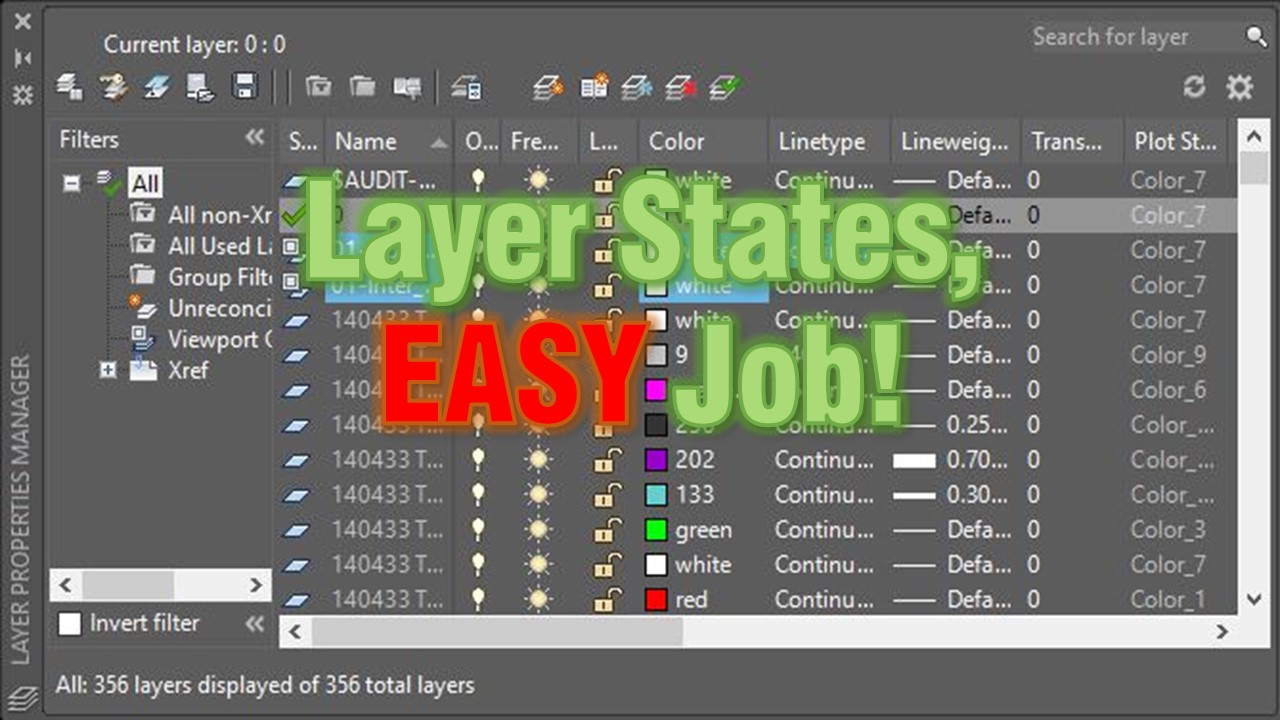
AutoCAD Tips
Layer States, EASY Job! What is Layer States and how to use them?
AutoCAD Layer States save your layer settings so you can restore them anytime. See how to reuse a grading plan view in an xref drawing.
AutoCAD Tips