
Civil 3D Tips
Create Polyline around the Outside of Multiple Objects!
Draw one outer polyline around multiple objects with the LINEWORKSHRINKWRAP command in Civil 3D, handy for total area calculations.
AutoCAD Tips
OVERKILL! Or how to erase duplicate objects Easy and Fast!
Erase duplicate and overlapping lines, polylines and arcs in AutoCAD with the OVERKILL command, and keep drawings smaller and faster.
AutoCAD Tips
From CAPITAL to small Letters with 2 clicks in AutoCAD!
Switch AutoCAD text between capital and small letters in 2 clicks, with no need to retype notes copied between AutoCAD and Word.
AutoCAD Guides
Open or Edit In-place? How to edit our Referenced drawing?
Edit an AutoCAD Xref the right way: open it from the host drawing or edit it in place, and know when each method suits your drawing best.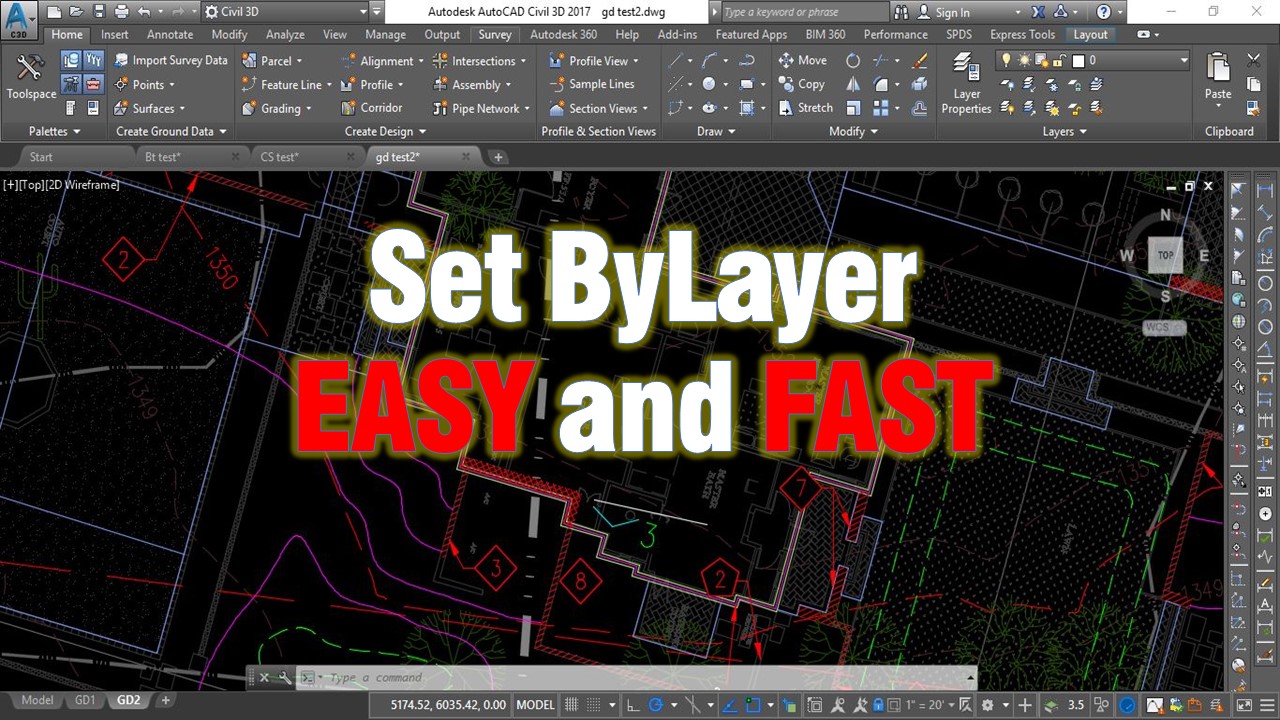
AutoCAD Tips
Change multiple objects to ByLayer Effortlessly!
Use the AutoCAD SETBYLAYER command to reset color, linetype, lineweight, material and transparency of selected objects to ByLayer in one step.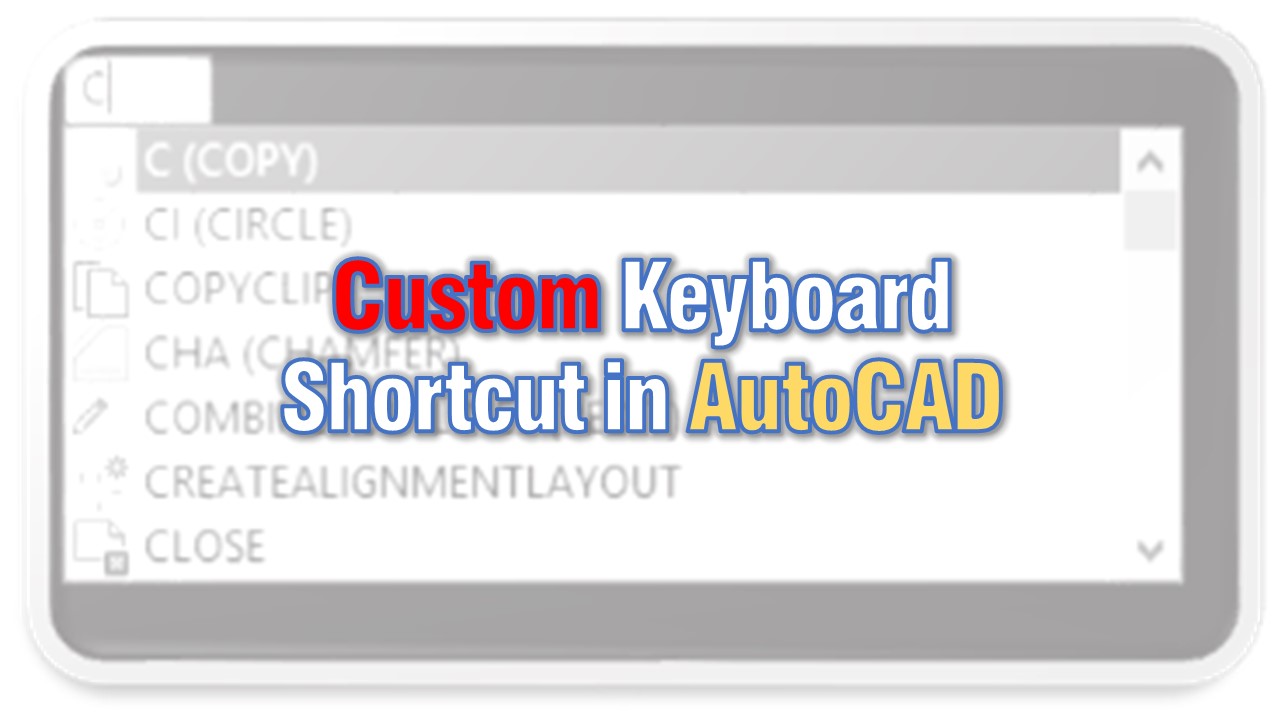
AutoCAD Tips
Create Custom Keyboard Shortcuts in AutoCAD!
Create or edit your own AutoCAD keyboard shortcuts with the ALIASEDIT command instead of editing the acad.pgp file by hand, then reinitialize it.
AutoCAD Tips
How to Trim and Extend with Only One Command?
Trim and extend in AutoCAD with a single command. Hold the Shift key while running TRIM or EXTEND to switch to the other and work much faster.
AutoCAD Tips