

AutoCAD Tips
Efficiency Meets Precision: A Guide to Ortho and Polar Modes in AutoCAD
Ortho and Polar modes in AutoCAD explained: what each does, how they differ and when to use them for precise, efficient drafting.
AutoCAD Tips
How to Convert Circle to Polyline in AutoCAD? (3 Simple Tricks!)
Convert a circle to a polyline in AutoCAD with 3 simple tricks using BREAK and PEDIT, DONUT, plus how to turn an arc into a polyline.
AutoCAD Tips
How to Edit Mline Styles and Draw Parallel Multi-Polylines with Ease!
Draw parallel lines in one go with AutoCAD Mlines. Create and edit Mline styles, change existing Mline objects and draw multi-polylines efficiently.
AutoCAD Tips
How to rotate 2D Drawings in AutoCAD!
Rotate the view of a 2D drawing in AutoCAD for rotated coordinate systems or layout viewports, using the mouse, the ViewCube and other methods.
AutoCAD Tips
Auto-Rotate Multiple text Objects!
Turn upside-down text right side up in AutoCAD with the Express Tools TORIENT command, which rotates Text, MText and attributes in one go.
AutoCAD Guides
What is the better choice Xref or Block in AutoCAD?
Block or Xref in AutoCAD? Compare when each one fits best, from repeated objects and quantities to sharing drawings between projects.
AutoCAD Guides
Open or Edit In-place? How to edit our Referenced drawing?
Edit an AutoCAD Xref the right way: open it from the host drawing or edit it in place, and know when each method suits your drawing best.
AutoCAD Guides
Additional EXTRAS with Xrefs! What options do we have?
Get more from AutoCAD Xrefs: change reference layers locally, clip an Xref with a custom boundary, and use unload, reload and detach.
AutoCAD Guides
Xref - choosing our Path Type
Choose the right Xref path type in AutoCAD, No path, Full path or Relative path, so references are still found when you move the project folder.
AutoCAD Guides
Xref Attach or Overly? What is the difference?
Attach or Overlay in AutoCAD Xrefs? Learn how each reference type behaves with nested drawings and which one to pick for your project files.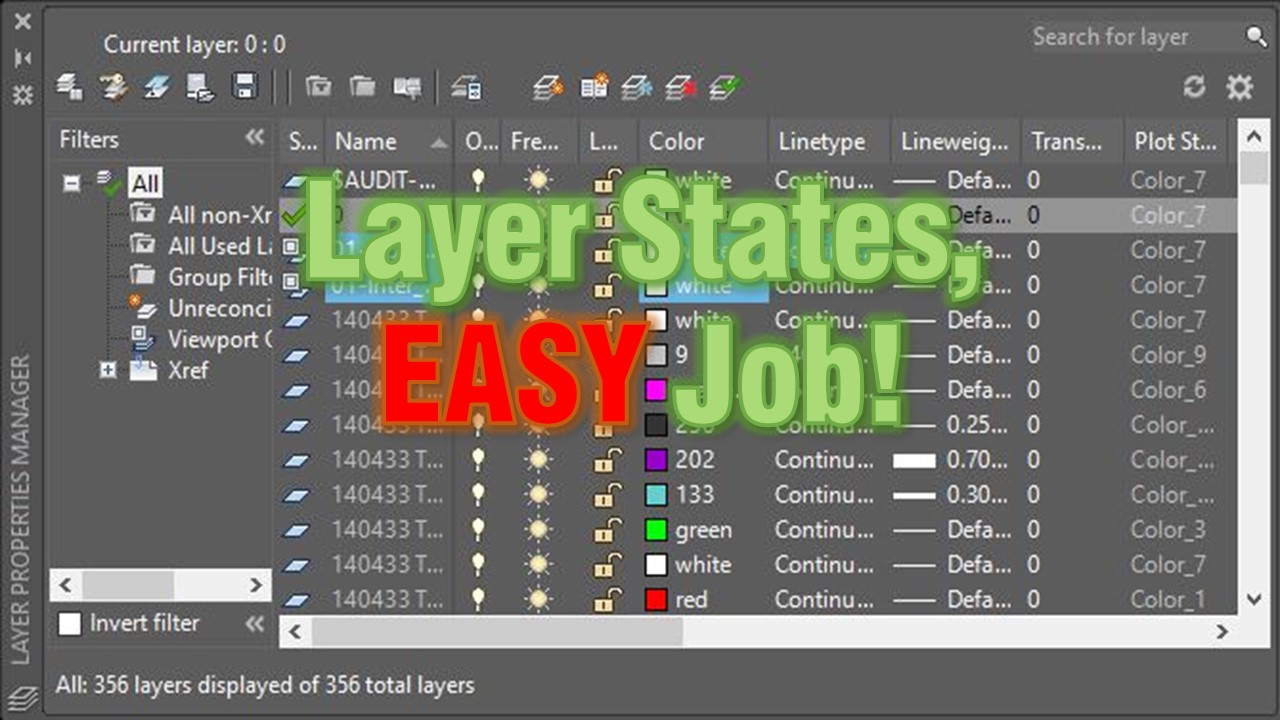
AutoCAD Tips
Layer States, EASY Job! What is Layer States and how to use them?
AutoCAD Layer States save your layer settings so you can restore them anytime. See how to reuse a grading plan view in an xref drawing.
AutoCAD Tips