

AutoCAD Tips
Auto-Rotate Multiple text Objects!
Turn upside-down text right side up in AutoCAD with the Express Tools TORIENT command, which rotates Text, MText and attributes in one go.
AutoCAD Tips
Auto-Number Multiple Text Objects!
Number hundreds of text and MText objects in AutoCAD with the TCOUNT command, using prefix, suffix or overwrite and a custom start and increment.
AutoCAD Tips
OVERKILL! Or how to erase duplicate objects Easy and Fast!
Erase duplicate and overlapping lines, polylines and arcs in AutoCAD with the OVERKILL command, and keep drawings smaller and faster.
AutoCAD Tips
Automatic Block Count with 1 Click!
Count AutoCAD blocks fast with the BCOUNT Express Tool, and compare it with Data Extraction and Quick Select for quantity takeoffs.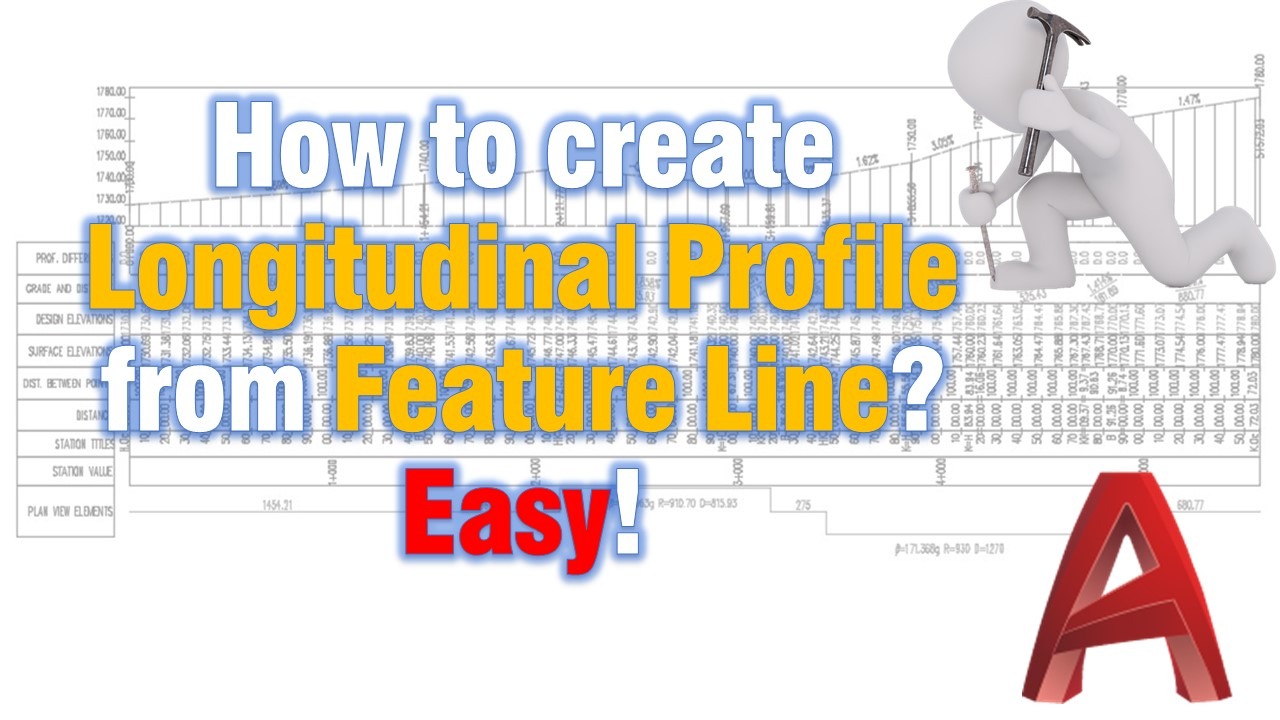
Civil 3D Guides
How to create Longitudinal Profile from Feature Line? Easy!
Create a permanent Civil 3D longitudinal profile and profile view from a feature line, with no surface needed, in 7 simple steps.
AutoCAD Guides
What is the better choice Xref or Block in AutoCAD?
Block or Xref in AutoCAD? Compare when each one fits best, from repeated objects and quantities to sharing drawings between projects.
AutoCAD Guides
Open or Edit In-place? How to edit our Referenced drawing?
Edit an AutoCAD Xref the right way: open it from the host drawing or edit it in place, and know when each method suits your drawing best.
AutoCAD Guides
Xref - choosing our Path Type
Choose the right Xref path type in AutoCAD, No path, Full path or Relative path, so references are still found when you move the project folder.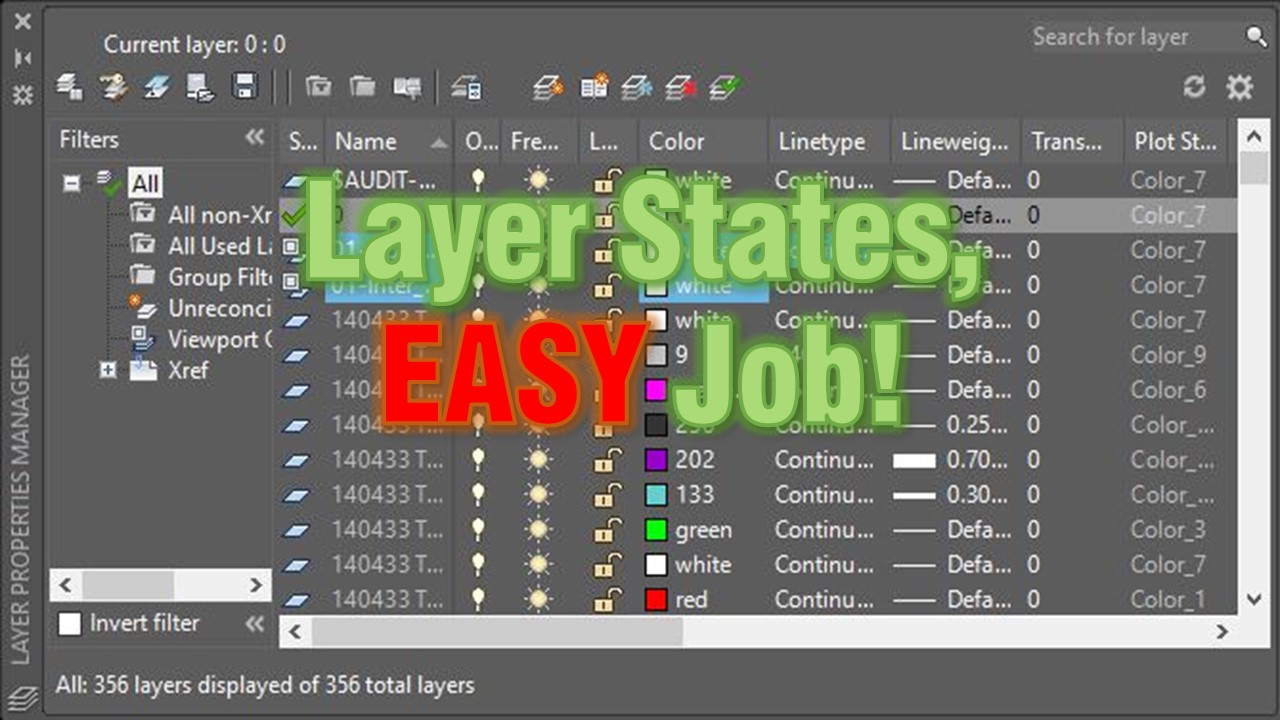
AutoCAD Tips
Layer States, EASY Job! What is Layer States and how to use them?
AutoCAD Layer States save your layer settings so you can restore them anytime. See how to reuse a grading plan view in an xref drawing.
AutoCAD Tips
How to Turn off Annotation scale Preview
Turn off the annotation scale preview that appears when you select annotative objects in AutoCAD by setting SELECTIONANNODISPLAY to 0.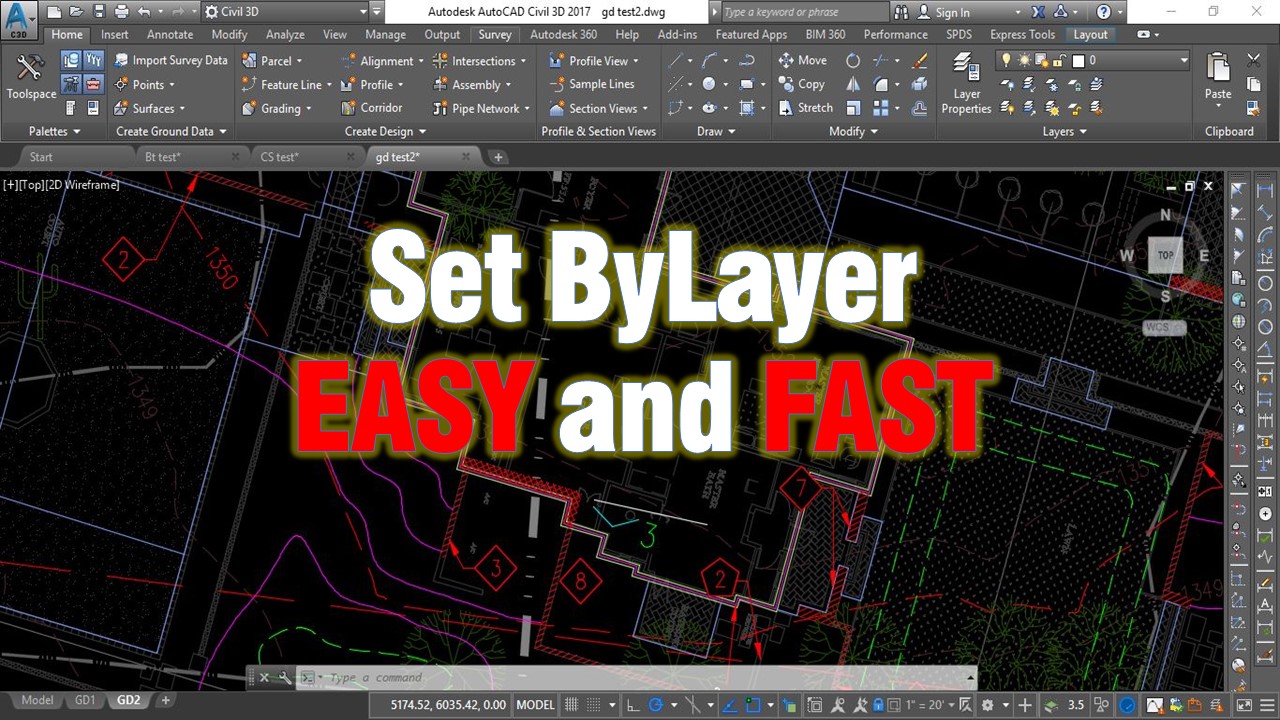
AutoCAD Tips
Change multiple objects to ByLayer Effortlessly!
Use the AutoCAD SETBYLAYER command to reset color, linetype, lineweight, material and transparency of selected objects to ByLayer in one step.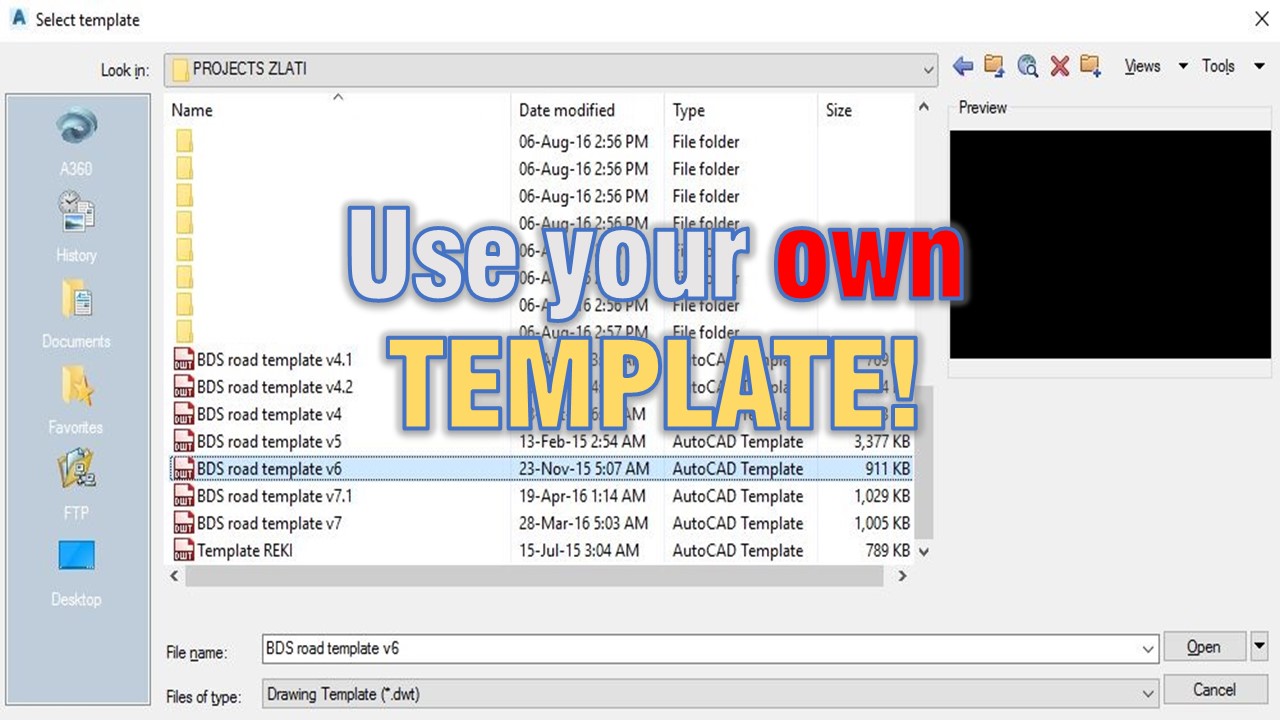
AutoCAD Tips