

AutoCAD Tips
How to Trim and Extend with Only One Command?
Trim and extend in AutoCAD with a single command. Hold the Shift key while running TRIM or EXTEND to switch to the other and work much faster.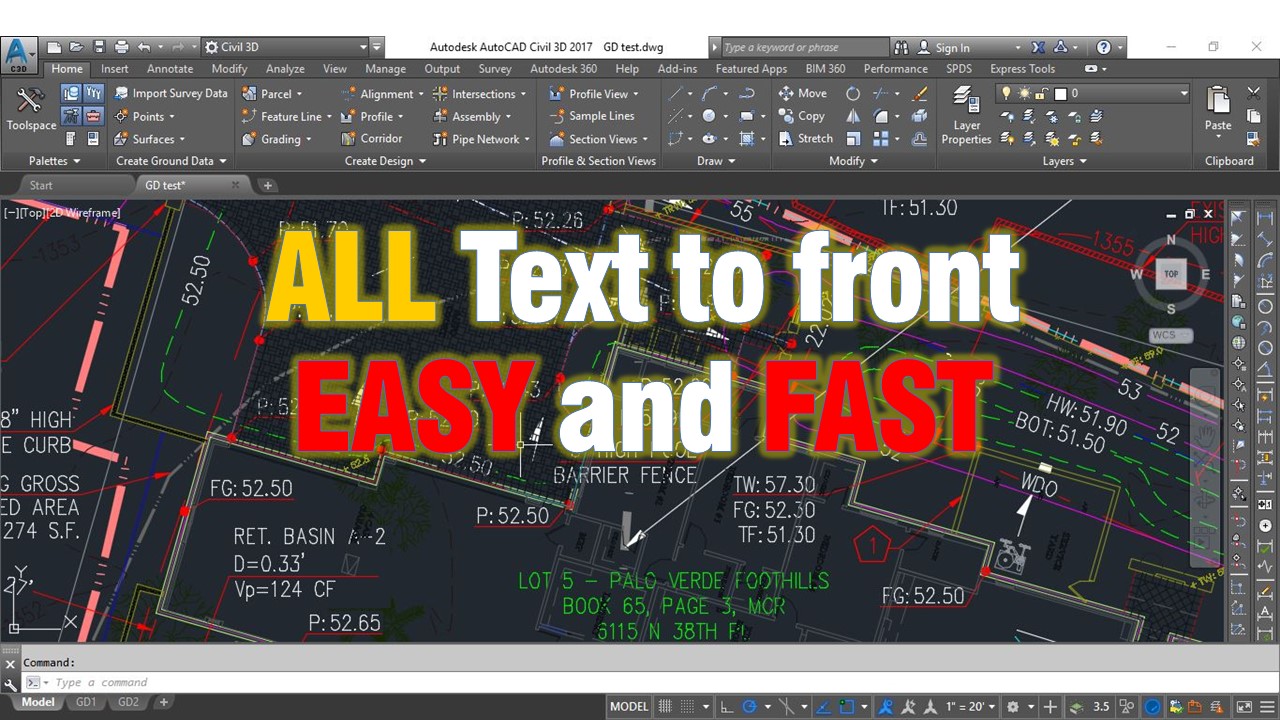
AutoCAD Tips
How to Bring all Text to Front in AutoCAD! (With 1 Command!)
Bring all text to front in AutoCAD with one command, TEXTTOFRONT, so dimensions and text are not covered by lines and hatches.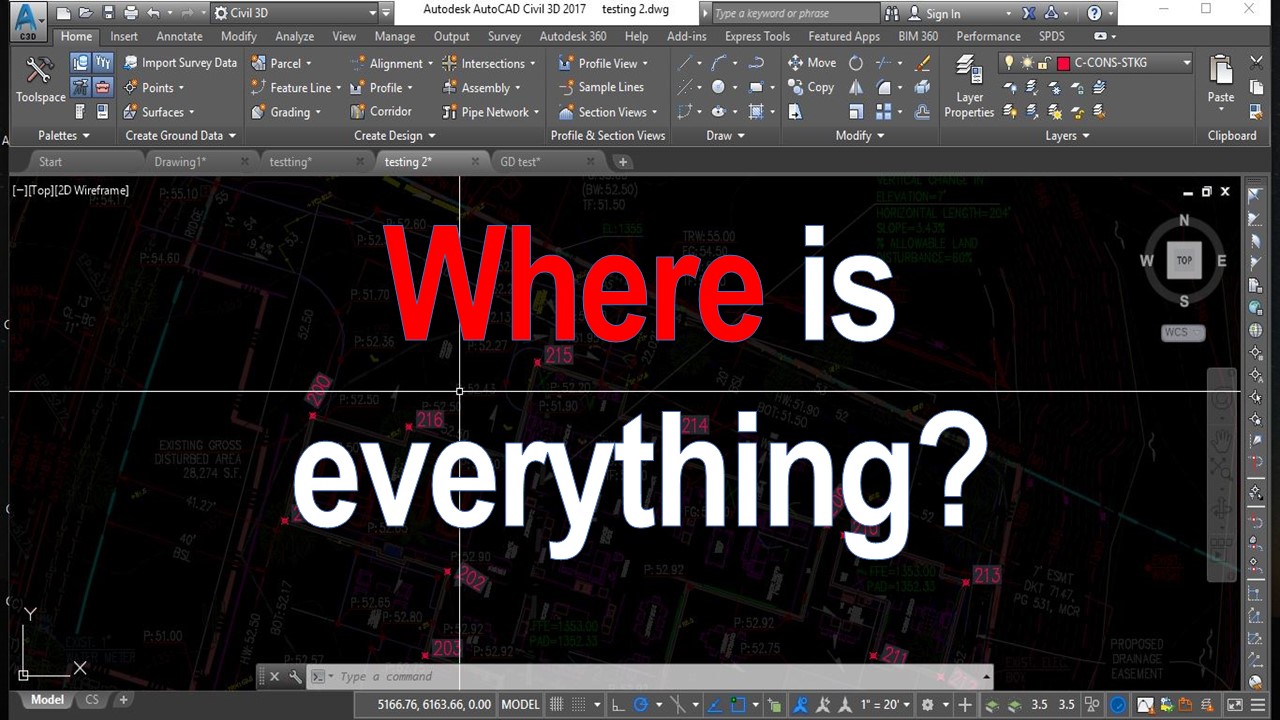
AutoCAD Guides
Lighten up Xrefs in AutoCAD! (Quick Fade Control options!)
Make xrefs easier to see in AutoCAD by adjusting the Fade Control slider under Options and Display, so referenced objects are less faded.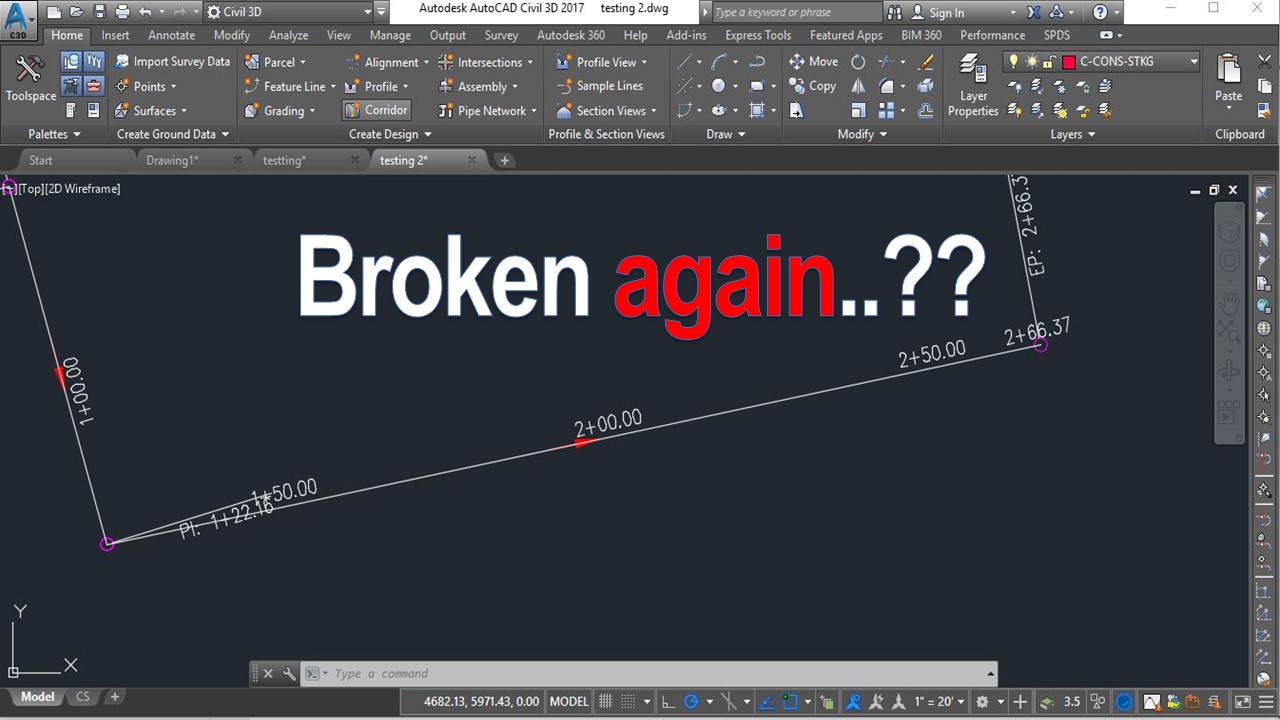
AutoCAD Tips
AutoCAD Selection Method problem? (Select Command First then Objects)
AutoCAD or Civil 3D ignores Delete, double-click or right-click on selected objects? The PICKFIRST system variable is the likely cause and fix.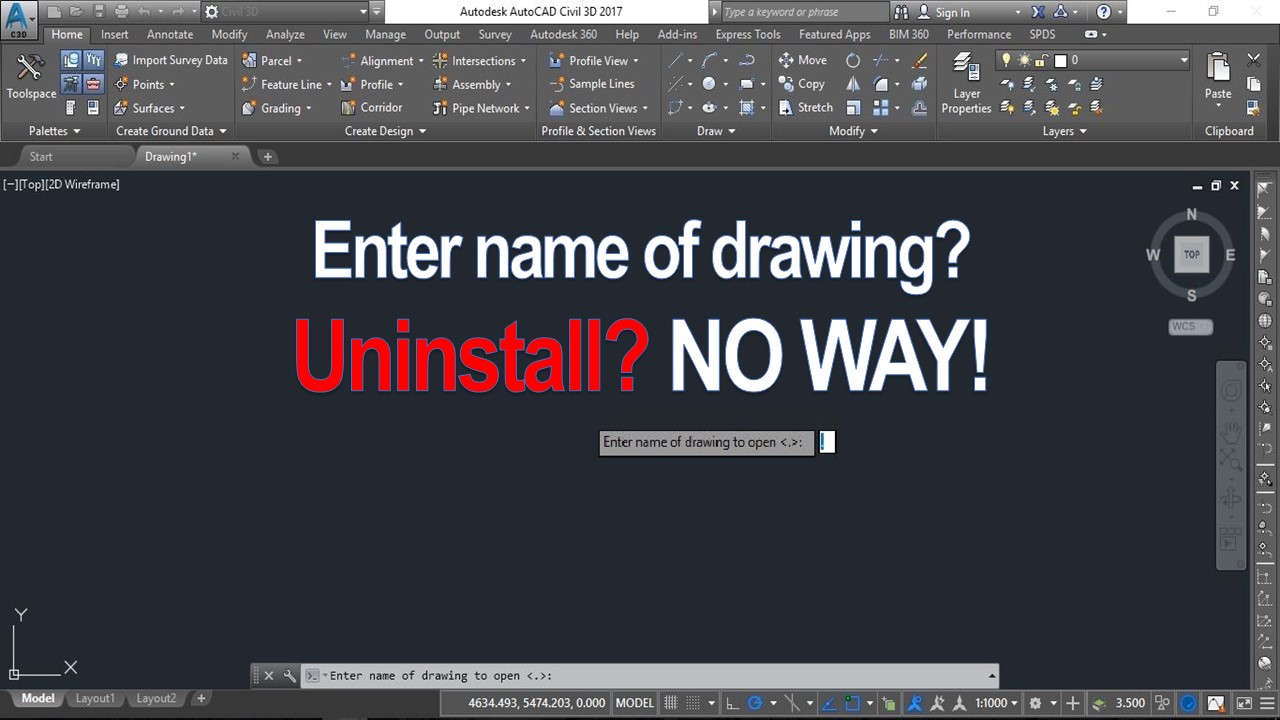
AutoCAD Tips