

AutoCAD Tips
15 Shortcut Keys of AutoCAD, that will Accelerate your work!
15 AutoCAD shortcut keys worth memorizing, from Ctrl+1 Properties and F3 OSNAP to Shift+Space and QuickCalc, to draw faster every day.
AutoCAD Tips
Create Separate Hatches Fast and Easy!
Hatch several areas in AutoCAD without restarting the command. Turn on Create Separate Hatches in the Hatch Creation tab and work faster.
AutoCAD Tips
OVERKILL! Or how to erase duplicate objects Easy and Fast!
Erase duplicate and overlapping lines, polylines and arcs in AutoCAD with the OVERKILL command, and keep drawings smaller and faster.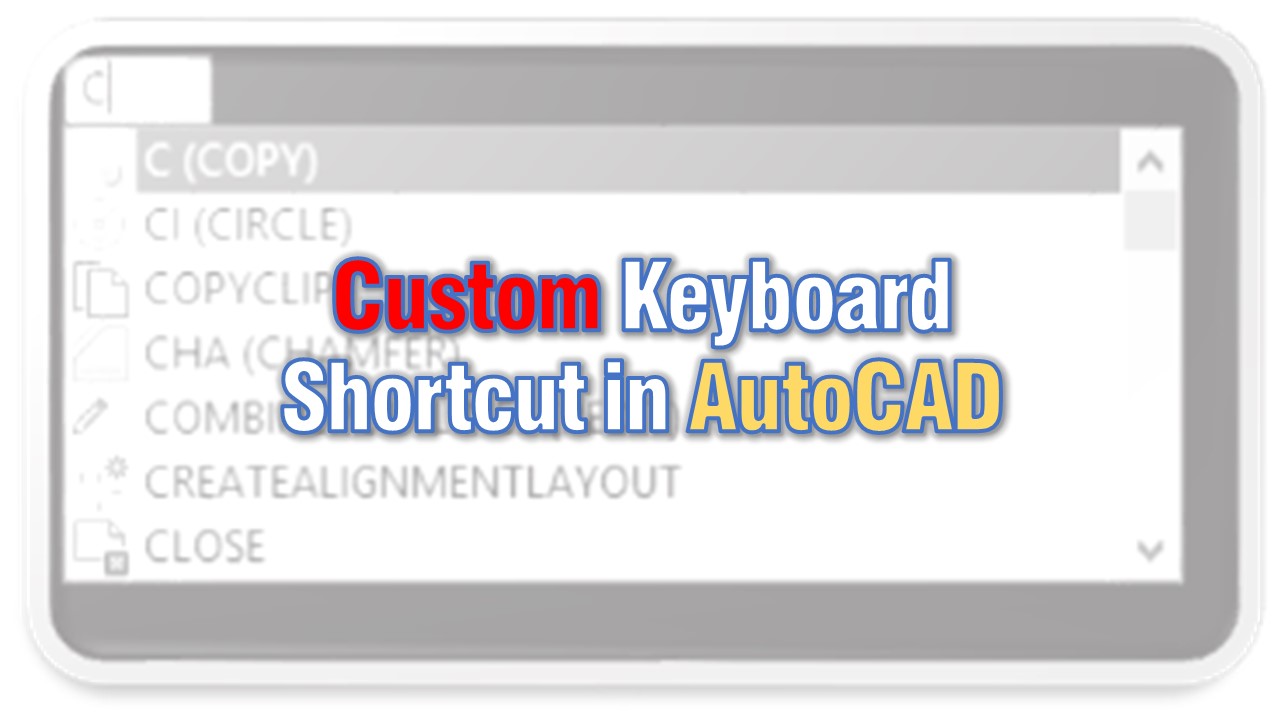
AutoCAD Tips
Create Custom Keyboard Shortcuts in AutoCAD!
Create or edit your own AutoCAD keyboard shortcuts with the ALIASEDIT command instead of editing the acad.pgp file by hand, then reinitialize it.
AutoCAD Tips
How to Trim and Extend with Only One Command?
Trim and extend in AutoCAD with a single command. Hold the Shift key while running TRIM or EXTEND to switch to the other and work much faster.
AutoCAD Tips